
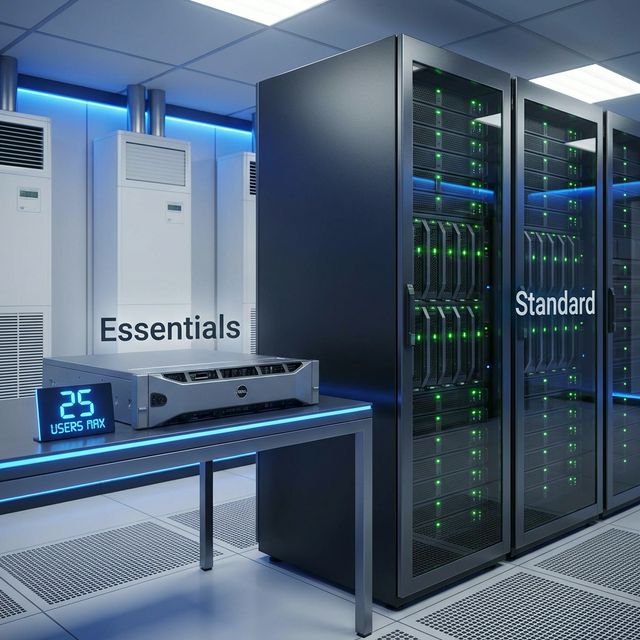
If you are an IT consultant outfitting a 15-person law firm, or a small business owner replacing an old server closet, you are looking at two options: Windows Server 2022 Standard and Windows Server 2022 Essentials.
On paper, Essentials looks like a massive bargain. It is less than half the price of Standard, and it doesn’t require you to buy those confusing Client Access Licenses (CALs).
But Microsoft didn’t make Essentials cheap out of charity. It comes with two massive, unchangeable limitations. Here is how to know if Essentials is a smart budget move or a trap for your business.
1. Windows Server 2022 Essentials
The Good (Why People Buy It)
- No CALs Required: The absolute best feature. Out of the box, Essentials legally covers 25 Users and 50 Devices. You do not need to buy separate “Base CALs” to access file shares or Active Directory.
- Lower Upfront Cost: Retails around $500, compared to Standard’s ~$1,069 (plus CALs).
- Simplified Licensing: It uses a flat “Per Server” model (max 10 cores, 1 processor). No complicated math.
The Bad (The Dealbreakers)
- The Hard Limit: The “25 User / 50 Device” rule is an absolute ceiling. You cannot buy more CALs to expand an Essentials server. If you hire employee #26, you are technically out of compliance. You cannot upgrade the license; you must rip out Essentials and install Standard.
- No Virtualization (Hyper-V) Rights: This is huge. You cannot install Windows Server 2022 Essentials and then use Hyper-V to spin up another Windows Server VM. You only get one physical or one virtual installation. Period. (If you want to run your AD server and File server as separate VMs, Essentials is not for you).
- Availability: You generally cannot buy Essentials by itself. It is sold by OEMs (like Dell, HP, Lenovo) pre-installed on new hardware.
2. Windows Server 2022 Standard
The Good (Flexibility)
- Unlimited Growth: Have 10 users today but might have 40 next year? Standard handles it perfectly. You just keep buying User CALs as you hire people.
- Virtualization Rights: A single Standard license (covering all physical cores) gives you the right to run TWO Windows Server Virtual Machines on that host. This is standard practice in modern IT (e.g., VM #1 for Active Directory, VM #2 for Application hosting).
The Bad (Cost)
- CALs are Mandatory: You must buy a User CAL or Device CAL for every human or machine touching the server.
- The Core Math: It requires Core licensing (minimum 16 cores), making the base price double that of Essentials, even before you add the CAL costs.
Comparison Matrix
| Feature | Windows Server 2022 Essentials | Windows Server 2022 Standard |
|---|---|---|
| User Limit | Strictly 25 Users | Unlimited (With CALs) |
| Device Limit | Strictly 50 Devices | Unlimited (With CALs) |
| Requires separate CALs? | ❌ No | ✅ YES (For every user/device) |
| Virtualization Rights | ❌ None (1 instance total) | ✅ 2 Virtual Machines |
| Licensing Metric | Per Server (1 CPU, 10 Cores max) | Per Core (16 Core Min) |
| Storage Spaces Direct | ❌ No | ❌ No (Datacenter only) |
The Verdict
Buy Windows Server 2022 Essentials IF:
1. You are 100% sure your company will never have more than 25 employees or 50 devices.
2. You only need one single “Bare Metal” server doing everything (File hosting, AD, basic apps).
3. You are buying a brand new server from Dell/HP with it pre-installed.
Buy Windows Server 2022 Standard IF:
1. You currently have 20 employees and expect to hire more next year.
2. You want to follow IT best practices and separate your services into Virtual Machines (using Hyper-V or VMware).
3. You need high availability or failover clustering.
Pro Tip: If you are at 20 users and considering Essentials to save money, don’t. The cost of ripping and replacing your entire Active Directory domain when you hit employee #26 is vastly more expensive than just buying Standard today.